HIBIIRO
How to Create Looping Pseudo-Particles (Embers) with Geometry Nodes in Blender
Introduction
Even without using Simulation Nodes, you can create lightweight, deterministic looping particle effects in Blender Geometry Nodes using simple math operations. Here is how to build rising fire embers by animating point offsets.
1. Duplicating Points
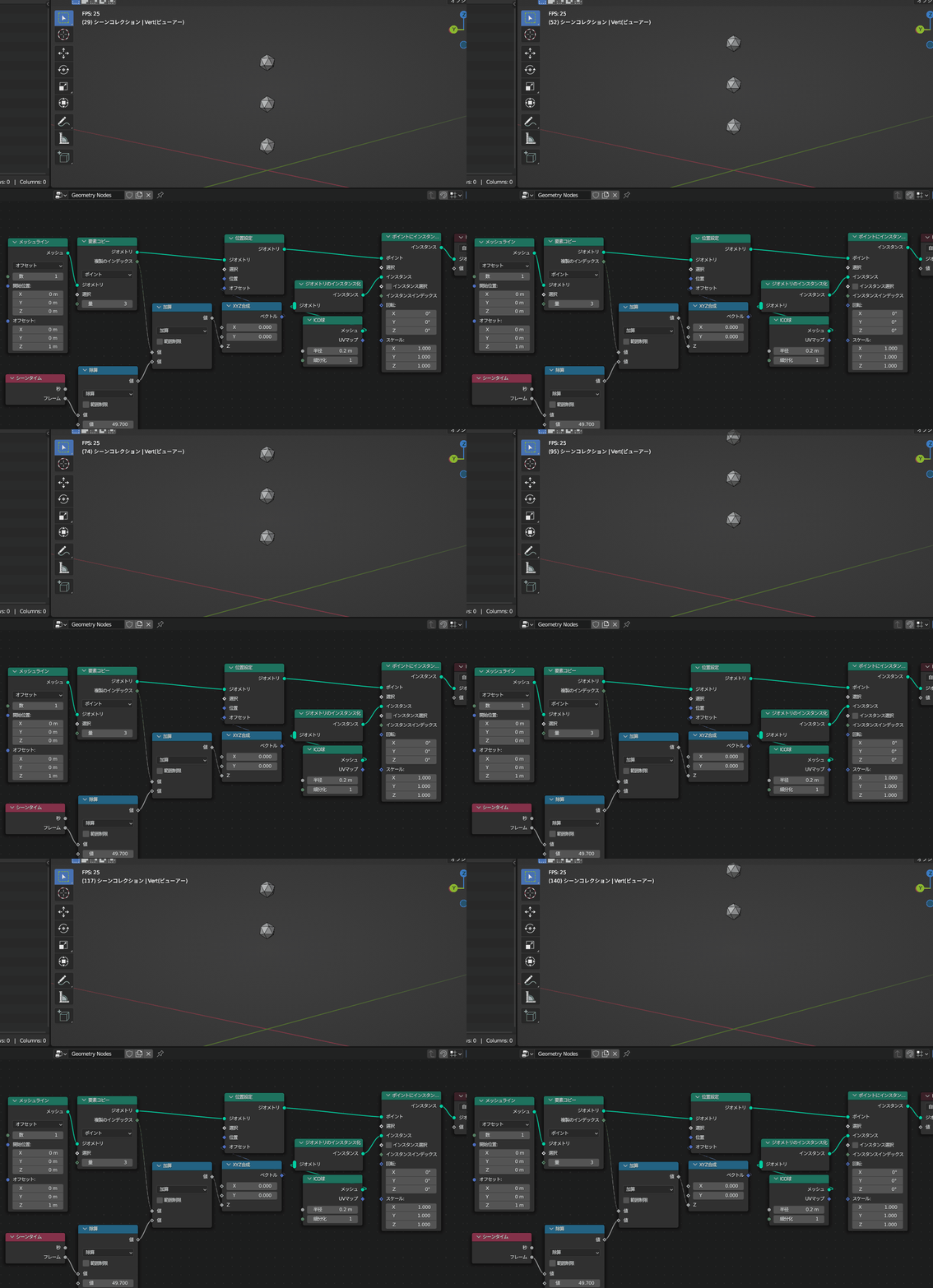
Start with a single-vertex Mesh Line and use Duplicate Elements (set to Point) to spawn your particle points. Connect Set Position (with a Random Value offset for initial testing) and Instance on Points to instance your ember mesh:


2. Looping Point Motion with the Fraction Node
If we simply add the Scene Time (Frame) and Duplicate Index to the Z offset, the points fly upward forever without respawning:

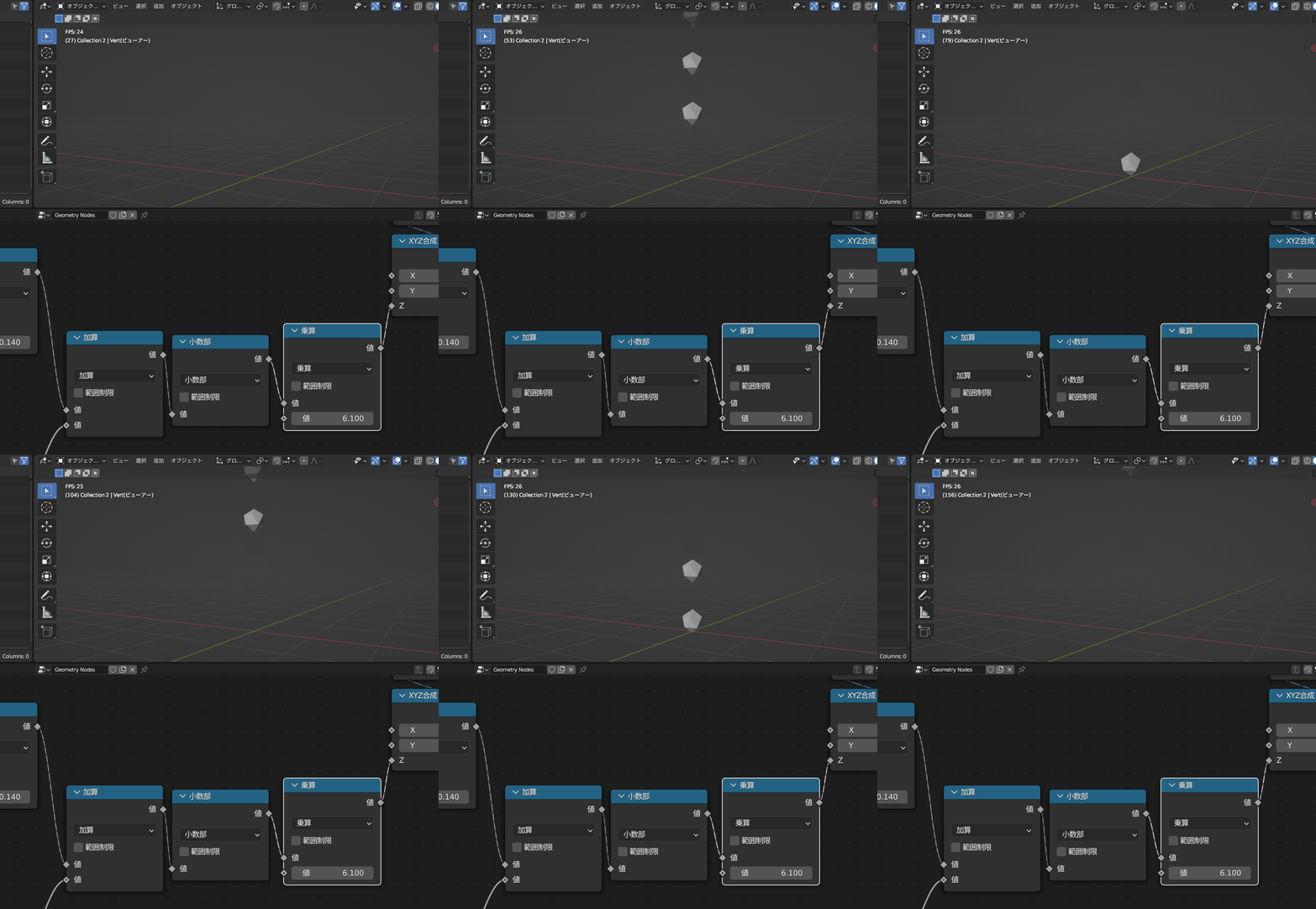
To make particles continuously spawn and reset, pass the rising value through a Math → Fraction node. Because Fraction outputs only the decimal portion of a number, any increasing value wraps smoothly between `0.0` and `1.0` over and over.

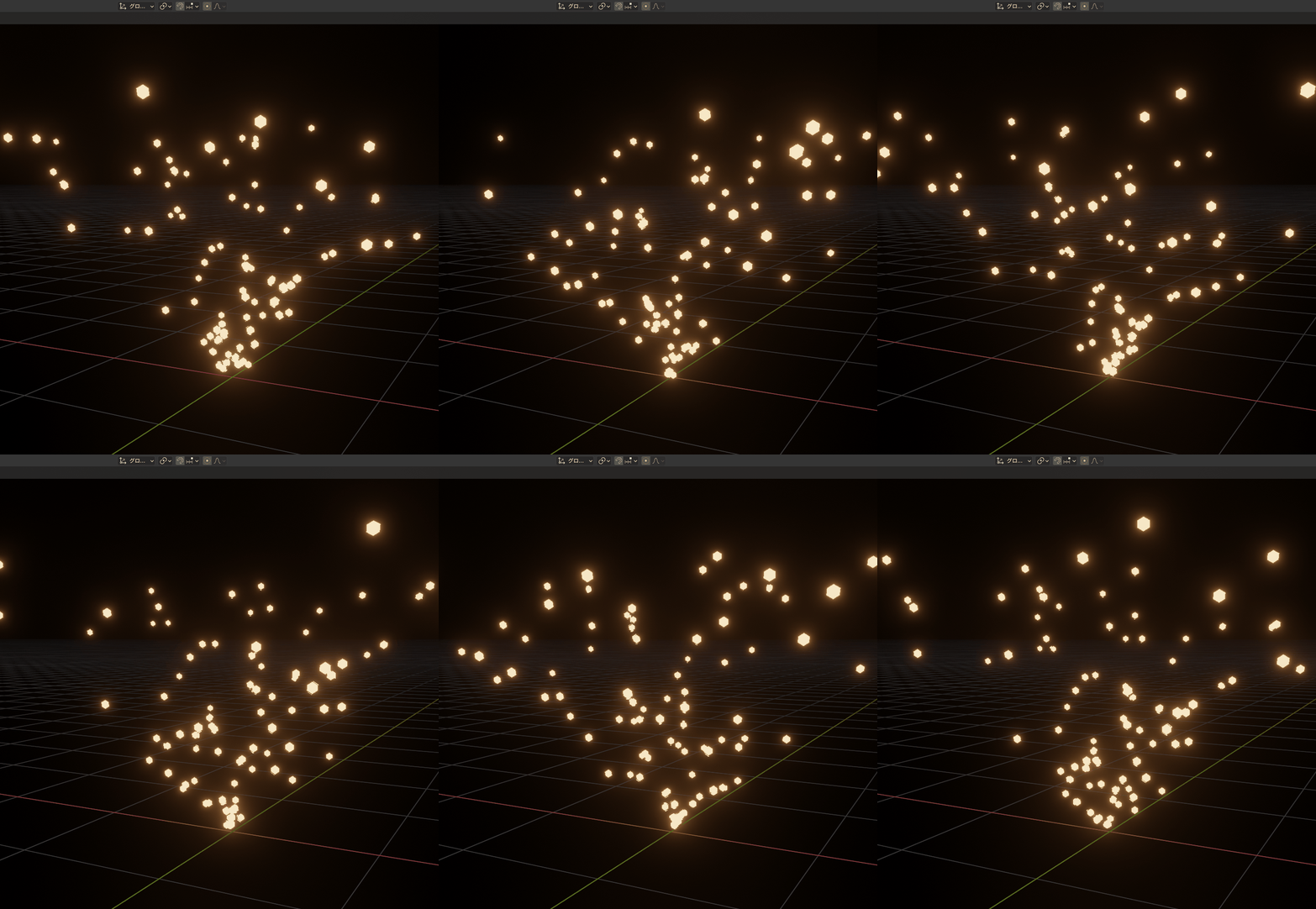
Multiply the `0..1` fraction output to set the maximum rise height, and feed the same `0..1` life cycle multiplied by a Random Value (`-1` to `1`) into the X and Y offsets so each ember drifts outward in a random direction as it rises:
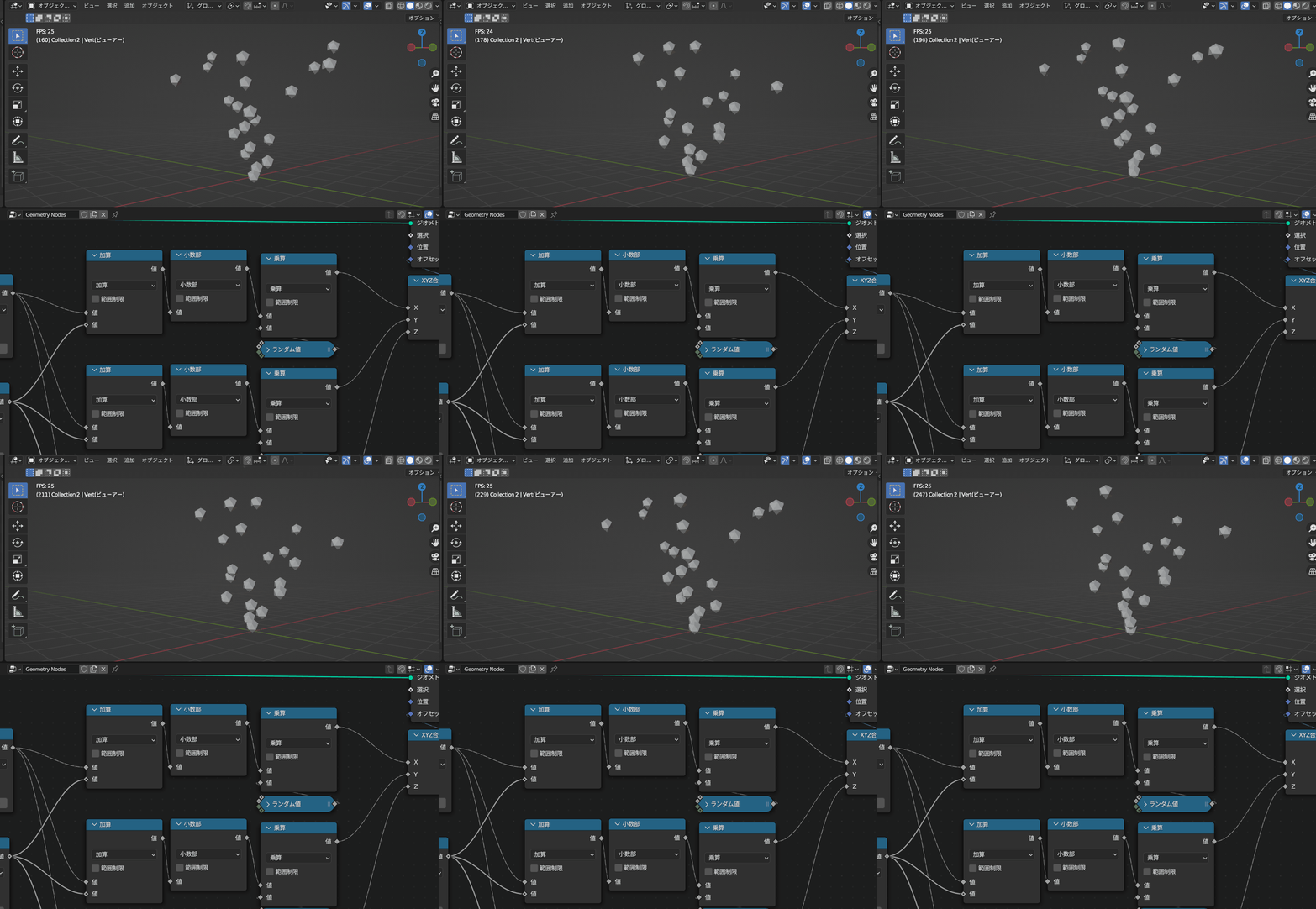

Bonus Variations
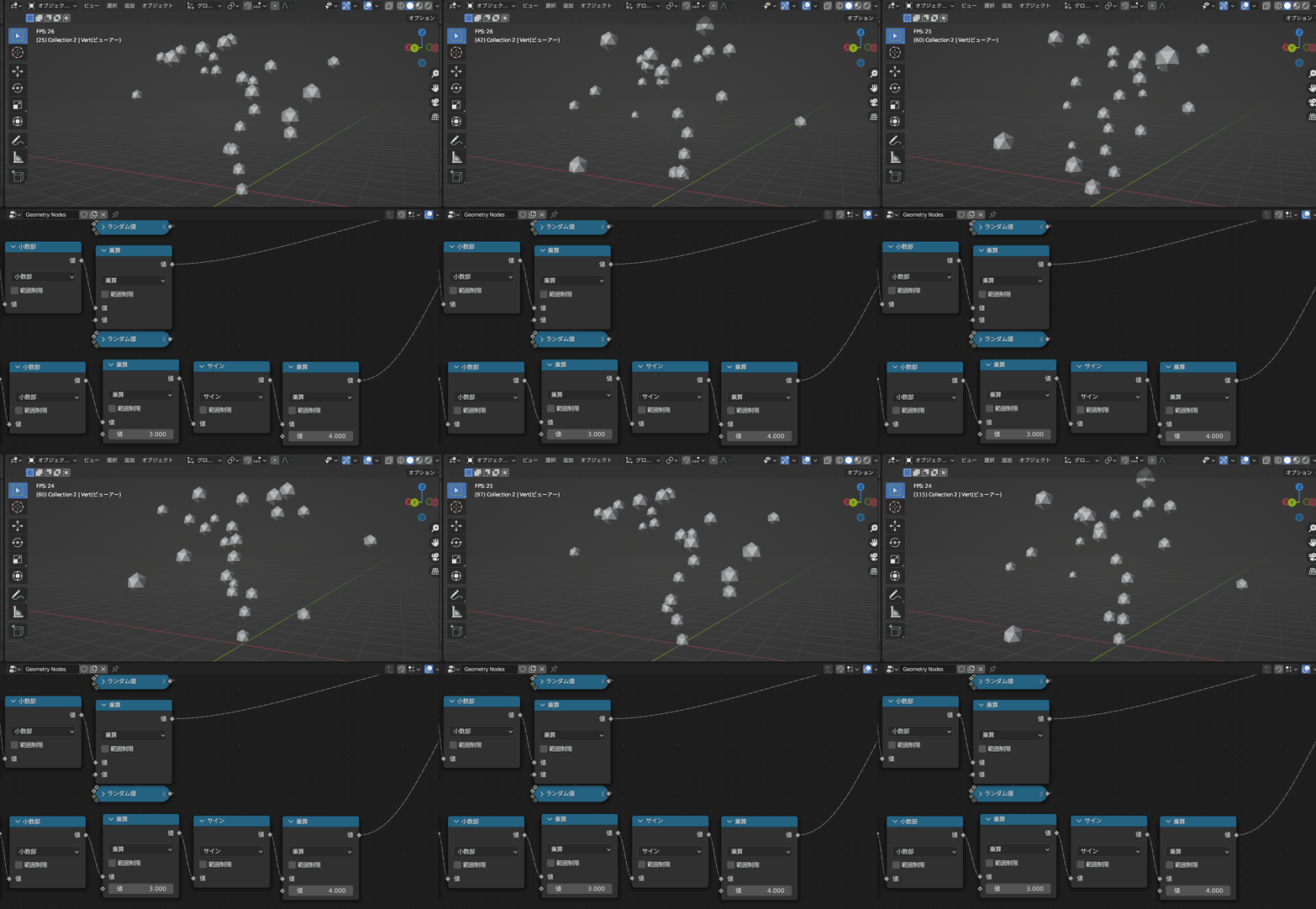
To spawn particles across an area rather than from a single point, plug a static Random Value directly into X and Y:
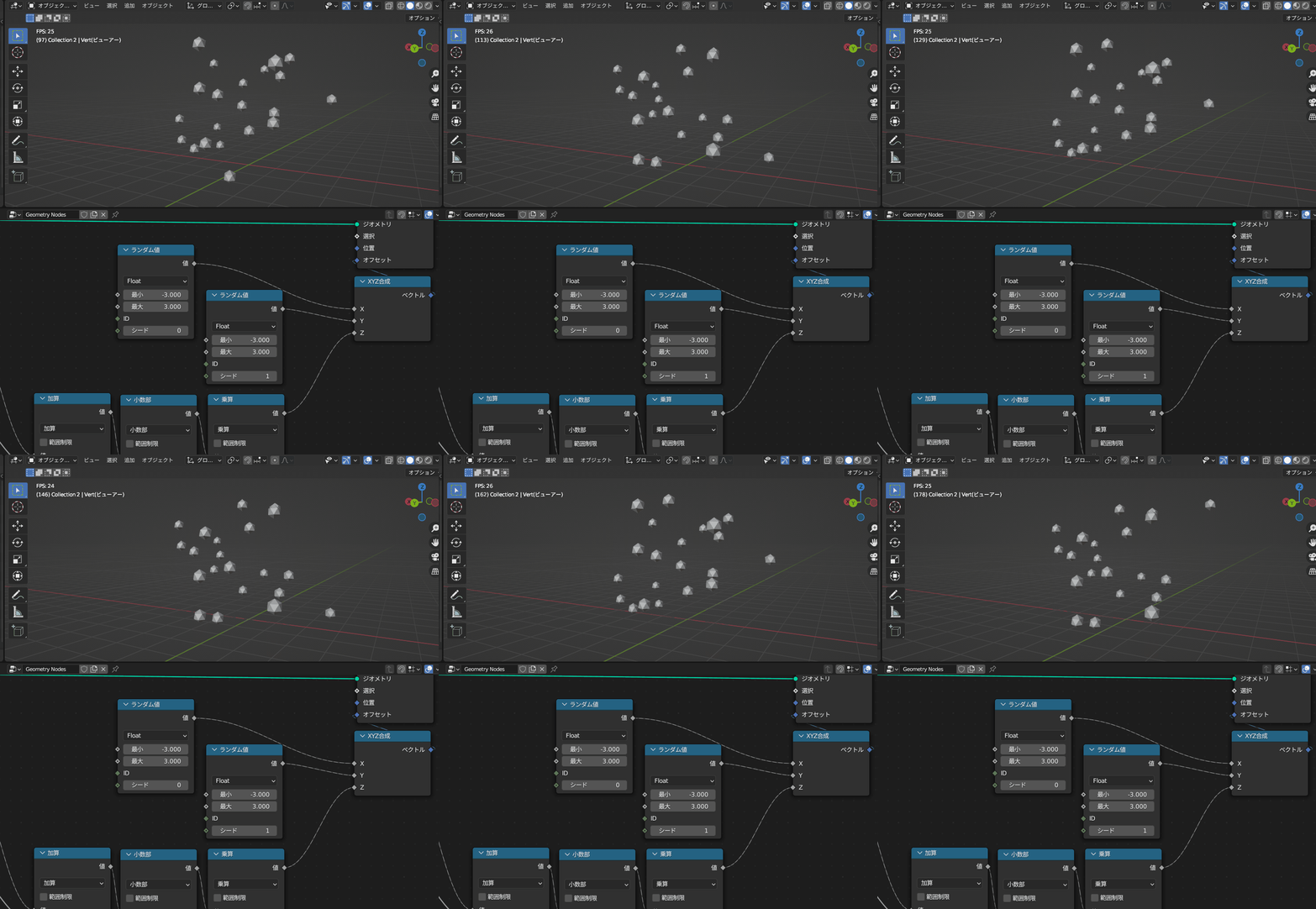
Or pass the Z value through a Math → Sine node so particles arc upward and fall back down like a fountain: